7 min read • 1,417 words
Python Libraries Every Beginner Developer Should Know
As a beginner developer venturing into the world of Python, understanding the essential libraries can significantly enhance your programming skills and productivity. Python libraries for beginners are crucial because they provide pre-built functionalities that save time and effort, allowing you to focus on solving problems rather than reinventing the wheel. This article will introduce you to some of the most important Python libraries that every aspiring developer should familiarize themselves with.
Among these libraries, Python’s standard library is a treasure trove, offering modules for file I/O, system calls, and even web development. Additionally, libraries like NumPy and Pandas are indispensable for numerical computations and data manipulation, respectively. You’ll also discover how Matplotlib can help you visualize data through various plotting techniques, and how Requests simplifies the process of making HTTP requests to web services and APIs. By the end of this article, you’ll have a solid foundation in these essential Python libraries.
NumPy: The Foundation of Numerical Computing
NumPy, short for Numerical Python, is one of the most essential Python libraries for beginners, especially for those interested in data science and scientific computing. It provides support for large, multi-dimensional arrays and matrices, which are fundamental structures for numerical data. This capability allows developers to handle vast amounts of data efficiently, making it a cornerstone for many advanced data manipulation tasks.
One of the standout features of NumPy is its collection of mathematical functions that operate on these arrays. This includes basic operations such as addition, subtraction, multiplication, and division, as well as more complex functions like trigonometric, statistical, and algebraic operations. These built-in functions are optimized for performance, allowing for fast computations that are crucial in data analysis.
Here are some key features of NumPy:
- Support for multi-dimensional arrays and matrices.
- Comprehensive mathematical functions for array operations.
- Efficient data manipulation and analysis capabilities.
- Integration with other libraries, such as SciPy and Matplotlib.
For example, creating a simple NumPy array can be done with the following command:
import numpy as np
array = np.array([1, 2, 3, 4, 5])
This code initializes a one-dimensional array. You can also create multi-dimensional arrays easily:
matrix = np.array([[1, 2, 3], [4, 5, 6]])In summary, NumPy is an indispensable tool for any beginner developer looking to delve into the world of data science and numerical computing. Its robust features and performance make it a must-learn library in the Python ecosystem.
Pandas: Data Analysis Made Easy
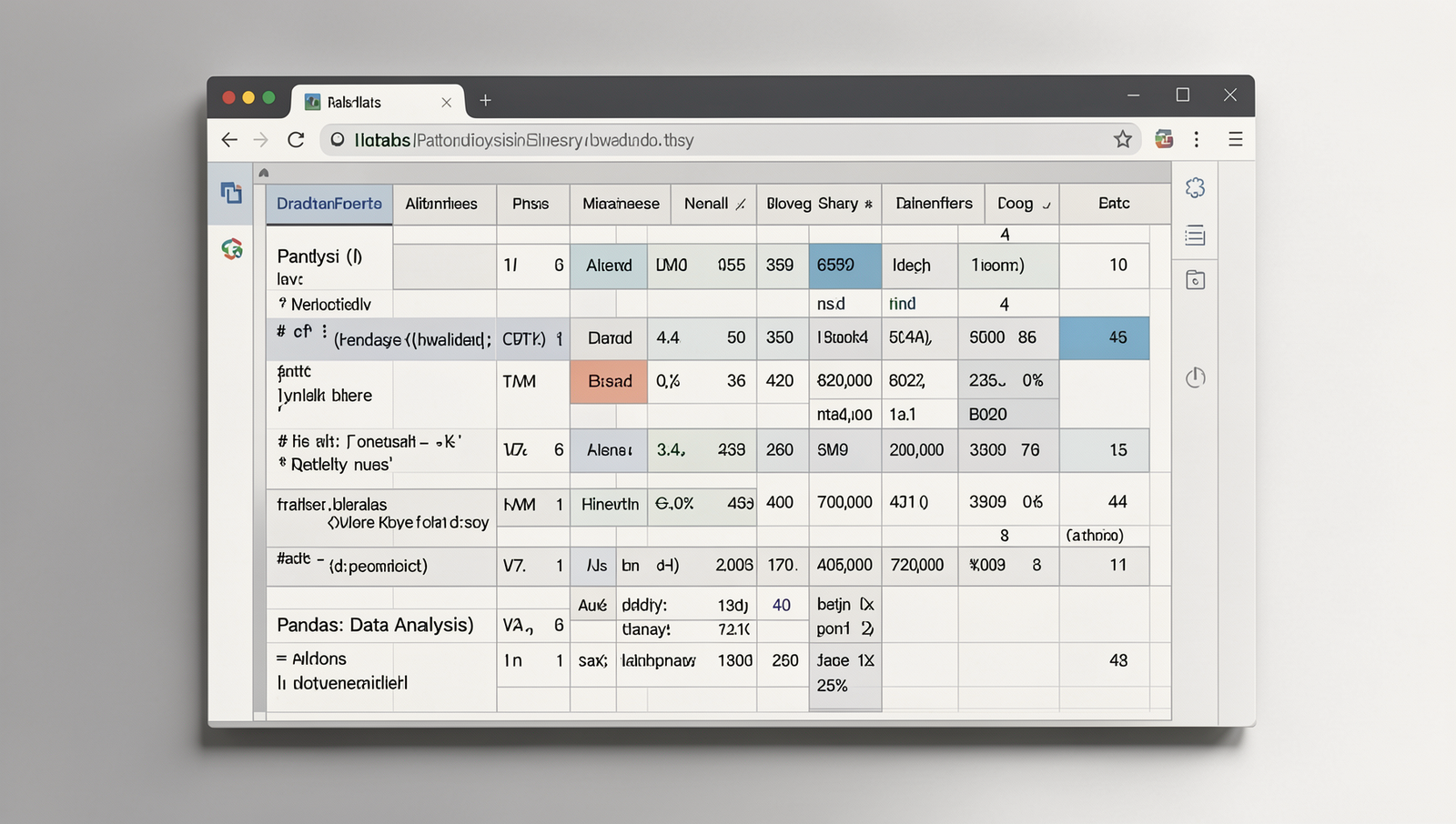
Pandas is one of the most essential Python libraries for beginners, particularly for those interested in data analysis and manipulation. It provides powerful data structures, primarily the DataFrame, which allows users to store and manipulate tabular data efficiently. With its intuitive design, Pandas makes it easy to perform complex data operations with just a few lines of code.
One of the standout features of Pandas is its ability to simplify data cleaning, transformation, and aggregation tasks. For instance, you can easily handle missing data, filter datasets, and group data for analysis. This makes it an invaluable tool for anyone looking to derive insights from data.
- Data Cleaning: Remove or fill missing values with
fillna()ordropna(). - Data Transformation: Use
apply()to apply functions across DataFrame columns. - Data Aggregation: Group data using
groupby()to summarize information.
Pandas supports a variety of file formats, which makes it versatile for data import and export. You can easily read data from CSV files, Excel spreadsheets, or even SQL databases. For example, to read a CSV file, you can use the following command:
import pandas as pd
data = pd.read_csv('file.csv')
This capability allows beginners to work with real-world datasets seamlessly, making Pandas a must-know library in the realm of Python libraries for beginners.
Matplotlib: Visualizing Data
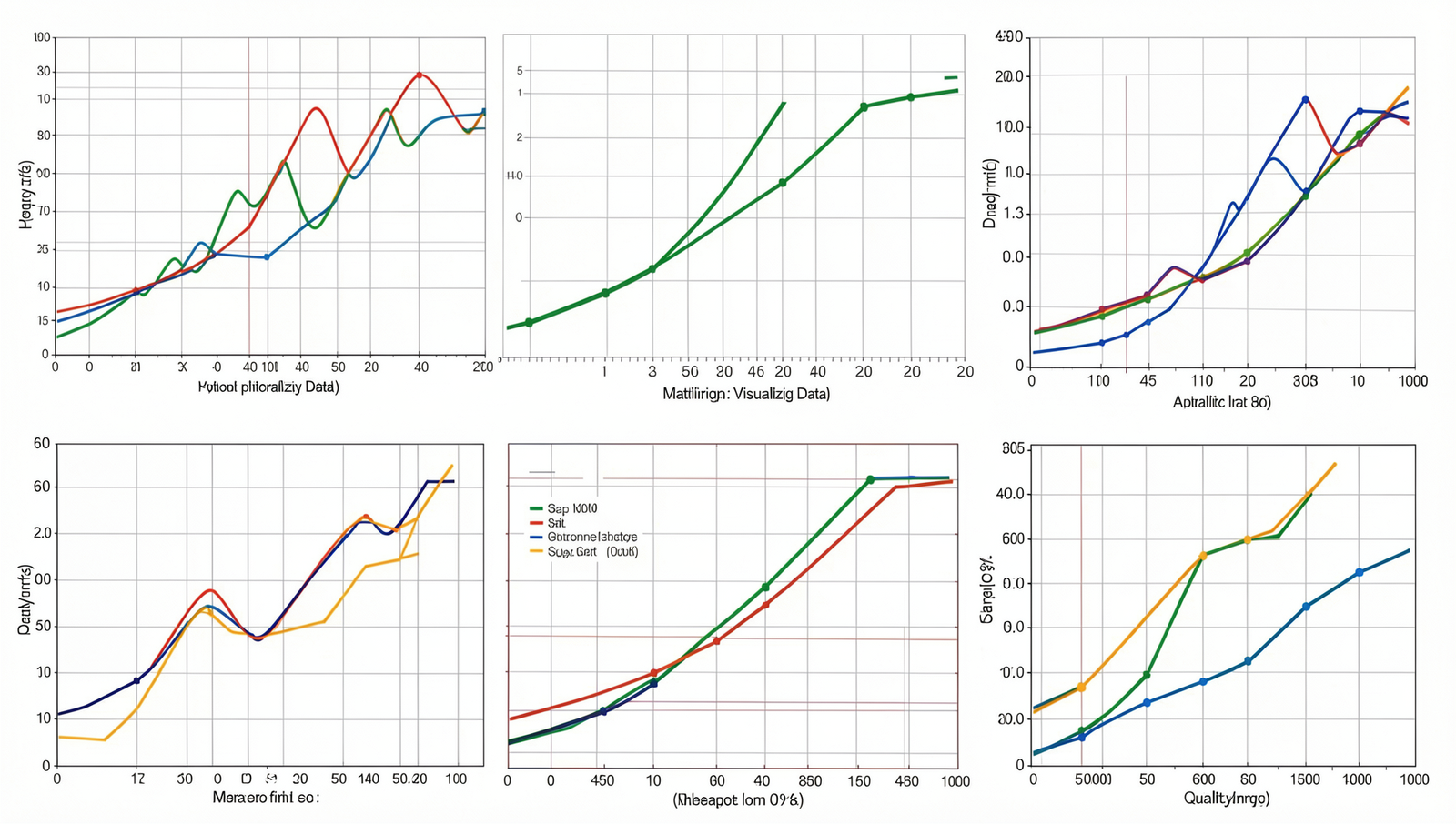
Matplotlib is one of the most essential Python libraries for beginners, especially for those interested in data visualization. It is a powerful library that enables developers to create static, animated, and interactive visualizations with ease. Whether you are working with simple line graphs or complex scatter plots, Matplotlib provides the tools necessary to present data in a visually appealing manner.
One of the key features of Matplotlib is its versatility. It supports a wide range of plots, including:
- Line graphs
- Bar charts
- Histograms
- Scatter plots
- Pie charts
This variety allows developers to choose the most appropriate visualization for their data. Moreover, Matplotlib is highly customizable, offering numerous options for colors, labels, and styles. This means you can tailor your visualizations to fit the specific needs of your project or audience.
For example, to create a simple line graph using Matplotlib, you can use the following code:
import matplotlib.pyplot as plt

x = [1, 2, 3, 4, 5]
y = [2, 3, 5, 7, 11]

plt.plot(x, y)
plt.title('Simple Line Graph')
plt.xlabel('X-axis')
plt.ylabel('Y-axis')
plt.show()
This code snippet demonstrates how easy it is to generate a basic line graph. As you delve deeper into Matplotlib, you will discover more advanced features that allow for even greater customization and complexity in your visualizations. Thus, mastering Matplotlib is a crucial step for any beginner developer looking to excel in data analysis and visualization.
Requests: Simplifying HTTP Requests
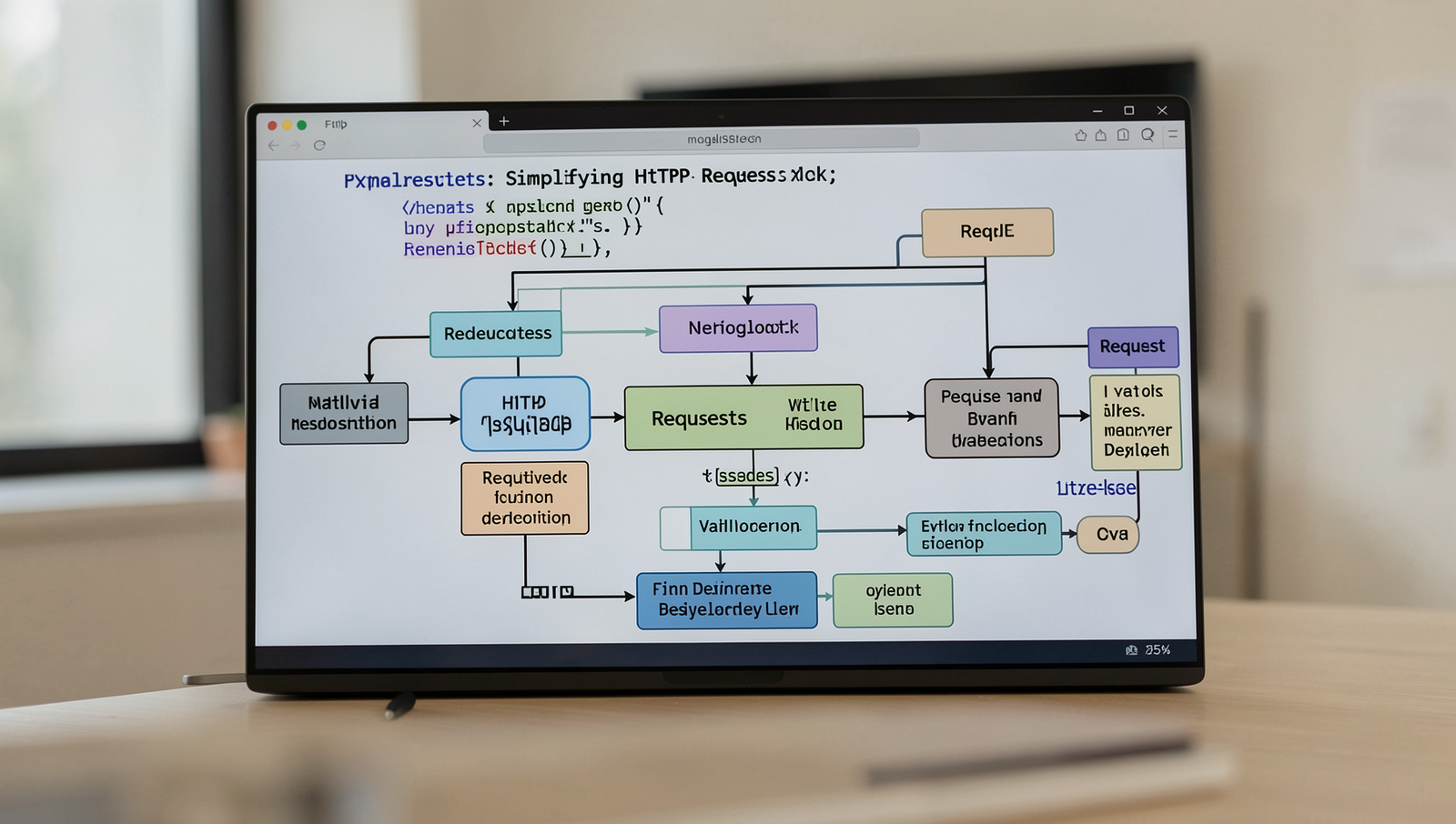
One of the most essential Python libraries for beginners is Requests. This library simplifies the process of sending HTTP requests, making it an invaluable tool for developers who want to interact with web services or scrape data from websites. With a straightforward API, Requests allows users to focus on their projects without getting bogged down by the complexities of HTTP.
The library supports various HTTP methods, including:
GET: Retrieve data from a specified resource.POST: Send data to a server to create or update a resource.PUT: Update a resource entirely.DELETE: Remove a specified resource.
One of the standout features of Requests is its ability to handle URL parameters, form data, and JSON effortlessly. For instance, sending a simple GET request can be done as follows:
import requests

response = requests.get('https://api.example.com/data')
print(response.json())
For sending data using a POST request, you can use:
data = {'key': 'value'}
response = requests.post('https://api.example.com/data', json=data)
print(response.status_code)
This ease of use makes Requests ideal for web scraping and interacting with APIs, allowing beginners to quickly learn how to work with web data. By mastering this library, new developers can enhance their Python toolkit significantly.
Conclusion
In summary, understanding Python libraries for beginners is essential for anyone looking to enhance their programming skills and streamline their development process. Libraries such as NumPy, Pandas, and Matplotlib provide powerful tools for data manipulation and visualization, making them invaluable for data science and analysis. Similarly, Flask and Django offer robust frameworks for web development, allowing beginners to create dynamic web applications with ease. By leveraging these libraries, developers can save time and effort, focusing more on building innovative solutions rather than reinventing the wheel.
As you embark on your journey with Python, consider exploring these libraries further to deepen your understanding and expand your skill set. Experimenting with different libraries will not only improve your coding proficiency but also open up new avenues for projects and career opportunities. Embrace the learning process, and remember that mastering these Python libraries for beginners will set a solid foundation for your future in programming.
Frequently Asked Questions
What is a Python library?
A Python library is a collection of pre-written code that developers can use to perform common tasks without having to write code from scratch. Libraries provide functions, methods, and classes that simplify programming and enhance productivity.
Why should beginners use libraries?
Beginners should use libraries because they save time and effort by providing ready-made solutions for common problems. Libraries also help new developers learn best practices and improve their coding skills by exposing them to well-structured code and efficient algorithms.
What is NumPy used for?
NumPy is a powerful library used for numerical computing in Python. It provides support for large, multi-dimensional arrays and matrices, along with a collection of mathematical functions to operate on these data structures, making it essential for scientific computing.
How does Pandas help in data analysis?
Pandas is a library designed for data manipulation and analysis. It offers data structures like DataFrames that make it easy to handle and analyze structured data. With Pandas, users can perform operations such as filtering, grouping, and aggregating data efficiently.