
6 min read • 1,334 words
What Is GitLab and How Does It Work?
What Is GitLab? GitLab is a comprehensive web-based DevOps lifecycle tool that serves as a Git repository manager. It plays a crucial role in modern software development by offering a suite of features designed to streamline the entire process, from planning and coding to testing and deployment. With capabilities such as continuous integration and continuous deployment (CI/CD), issue tracking, and project management, GitLab empowers teams to collaborate effectively and enhance productivity. Understanding GitLab is essential for developers and project managers looking to optimize their workflows.
This article will delve into the functionalities of GitLab, highlighting its importance in the software development landscape. Readers will learn how GitLab supports both public and private repositories, accommodates multiple programming languages, and integrates seamlessly with various tools. Additionally, we will explore the options available for using GitLab, including its cloud service and self-hosted solutions, making it a versatile choice for organizations of all sizes.
Core Features of GitLab
GitLab is a powerful platform that provides a comprehensive suite of tools for software development, making it an essential resource for teams looking to streamline their workflows. One of the core features of GitLab is its version control and repository management capabilities. With GitLab, developers can create, manage, and collaborate on repositories using Git, ensuring that all changes are tracked and easily reversible. This functionality allows teams to maintain a clear history of their codebase, facilitating easier debugging and feature development.
Another significant aspect of GitLab is its Continuous Integration/Continuous Deployment (CI/CD) capabilities. GitLab CI/CD automates the process of testing and deploying code, which helps teams deliver high-quality software more efficiently. For instance, a typical CI/CD pipeline might include stages for building, testing, and deploying an application. This automation reduces the risk of human error and accelerates the release cycle.
GitLab also offers robust issue tracking and project management tools. Teams can create issues to track bugs, enhancements, or tasks, and assign them to team members. This feature promotes accountability and ensures that everyone is aware of the project’s status. Additionally, GitLab provides boards for visualizing workflows, making it easier to manage tasks.
- Collaboration features like merge requests and code reviews enhance teamwork.
- Merge requests allow team members to propose changes and discuss them before integration.
- Code reviews ensure that quality standards are met and foster knowledge sharing among developers.
In summary, GitLab’s combination of version control, CI/CD, issue tracking, and collaboration tools makes it an invaluable asset for modern software development teams.
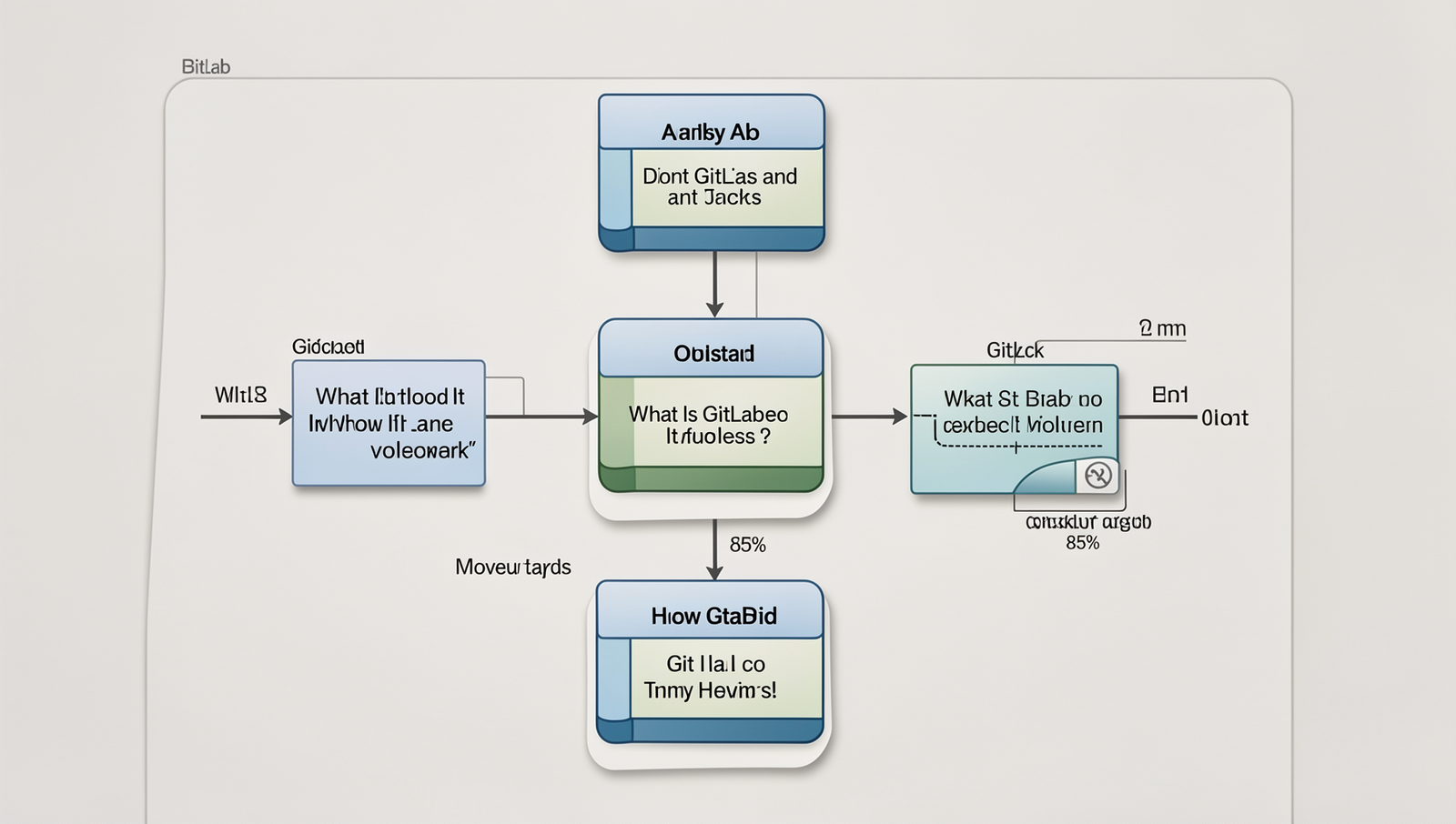
How GitLab Works
To get started with GitLab, the first step is to set up an account. You can visit the GitLab website and sign up for a free account. Once registered, you can create a new repository by clicking on the “New Project” button. This allows you to choose between creating a blank project, importing an existing repository, or using a template. After naming your project and configuring its visibility settings, you will have a fully functional GitLab repository.
Version control is essential for managing changes in your code. GitLab leverages Git, a powerful version control system. Familiarizing yourself with basic Git commands is crucial. Here are some essential commands:
git init– Initializes a new Git repository.git add .– Stages all changes for the next commit.git commit -m "Your message"– Commits the staged changes with a message.git push origin main– Pushes your changes to the remote repository.
Once your repository is set up, navigating the GitLab interface is straightforward. The dashboard provides access to your projects, issues, merge requests, and CI/CD pipelines. You can easily switch between different repositories and manage your projects from a single interface.
One of GitLab’s standout features is its CI/CD pipelines, which automate the software development process. You can define your pipeline in a file called .gitlab-ci.yml located in your repository. This file specifies the stages of your pipeline, such as build, test, and deploy. For example:
stages:
  - build
  - test
  - deploy

build_job:
  stage: build
  script:
    - echo "Building the project..."

test_job:
  stage: test
  script:
    - echo "Running tests..."

deploy_job:
  stage: deploy
  script:
    - echo "Deploying the application..."
With these features, GitLab streamlines the development process, making collaboration and automation more efficient.
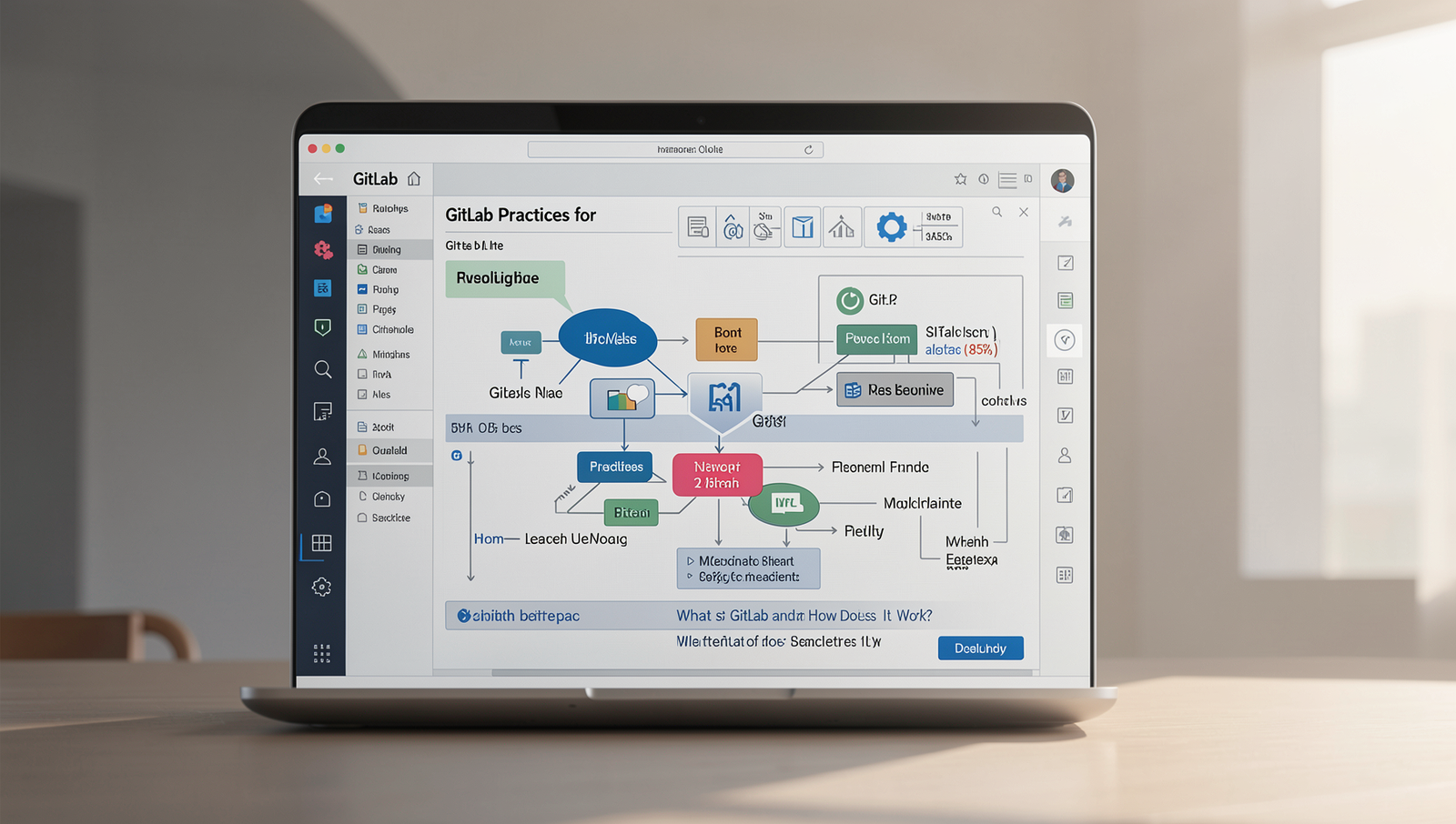
Best Practices for Using GitLab
To maximize the benefits of GitLab, it’s essential to adopt best practices that enhance collaboration, security, and efficiency. One of the first steps is to organize projects and repositories effectively. This can be achieved by creating a clear naming convention and structuring repositories in a way that reflects the project hierarchy. For example, you might have a main repository for your application and sub-repositories for different modules or components.
Another powerful feature of GitLab is its issue boards, which can be utilized for task management. By creating issue boards, teams can visualize their workflow and track progress. You can categorize issues by labels, assign them to team members, and set due dates. This not only helps in prioritizing tasks but also fosters accountability within the team. For instance, you can create a board for ‘In Progress’, ‘Review’, and ‘Completed’ tasks to streamline the development process.
Implementing security best practices in GitLab is crucial. Ensure that you use two-factor authentication (2FA) for all user accounts to add an extra layer of security. Regularly review user permissions and access levels to minimize risks. Additionally, consider using protected branches to prevent unauthorized changes to critical parts of your codebase.
Finally, leveraging GitLab integrations with other tools can significantly enhance your workflow. For example, integrating GitLab with CI/CD tools like Jenkins or deployment platforms like Heroku can automate processes and improve efficiency. You can set up a pipeline by adding a .gitlab-ci.yml file to your repository, which defines the stages and jobs for your CI/CD process.
- Organize repositories with clear naming conventions.
- Utilize issue boards for effective task management.
- Implement two-factor authentication for security.
- Integrate with CI/CD tools to automate workflows.
Conclusion
In summary, GitLab is a powerful DevOps platform that integrates source code management, continuous integration, and deployment into a single application. It streamlines the development process by allowing teams to collaborate effectively, manage their projects, and automate workflows. With features such as issue tracking, code reviews, and CI/CD pipelines, GitLab enhances productivity and ensures that software delivery is both efficient and reliable. Understanding what is GitLab is essential for teams looking to optimize their development processes and improve collaboration.
As organizations increasingly adopt DevOps practices, leveraging GitLab can significantly benefit their software development lifecycle. The next steps for teams interested in utilizing GitLab include exploring its extensive documentation, setting up a trial account, and integrating it into their existing workflows. By doing so, teams can harness the full potential of GitLab, ultimately leading to faster releases, improved code quality, and a more cohesive development environment.
Frequently Asked Questions
What is GitLab?
GitLab is a web-based DevOps lifecycle tool that provides a Git repository manager with features such as issue tracking, continuous integration, and deployment. It enables teams to collaborate on code, manage projects, and streamline the software development process efficiently.
How does GitLab work?
GitLab operates by allowing developers to host their code repositories, manage version control, and track changes. It integrates various tools for CI/CD, enabling automated testing and deployment. Users can collaborate through merge requests, issues, and project management features.
What are the key features of GitLab?
Key features of GitLab include source code management, CI/CD pipelines, project planning tools, security scanning, and monitoring. It also offers container registry support, wiki functionality, and robust collaboration tools to enhance team productivity throughout the development lifecycle.
Is GitLab open source?
Yes, GitLab is open source, with its core functionality available under the MIT License. This allows developers to contribute to its codebase, customize it for their needs, and benefit from a community-driven approach to software development and collaboration.