6 min read • 1,311 words
What Is Kubernetes and How Does It Work?
Kubernetes is an open-source container orchestration platform that has transformed the way developers deploy and manage applications. As organizations increasingly adopt microservices architectures, understanding what is Kubernetes becomes essential. This powerful tool automates the deployment, scaling, and management of containerized applications, allowing teams to focus on writing code rather than managing infrastructure. By leveraging Kubernetes, businesses can ensure their applications are resilient, scalable, and efficient.
This article will delve into the core functionalities of Kubernetes, including its declarative configuration model, which simplifies application management. Readers will learn about its compatibility with various container runtimes, such as Docker and containerd, and how Kubernetes clusters can be deployed both on-premises and in the cloud. By the end of this article, you will have a solid understanding of Kubernetes and its significance in modern software development.
Core Concepts of Kubernetes
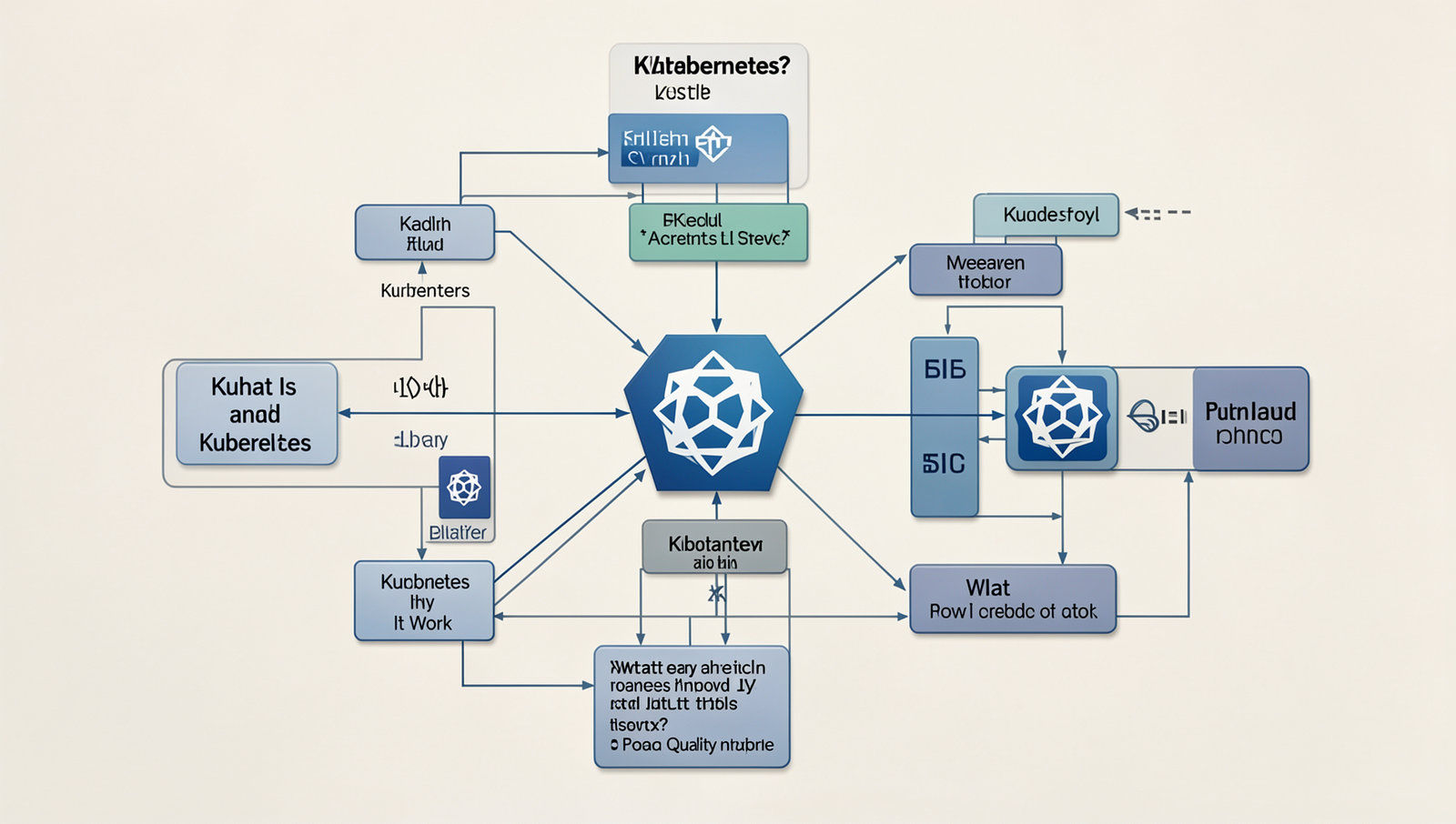
Kubernetes, often referred to as K8s, is an open-source platform designed to automate the deployment, scaling, and management of containerized applications. Understanding its core concepts is essential for anyone looking to leverage its capabilities effectively. The primary components of Kubernetes include Pods, Services, Deployments, and Namespaces.
Pods are the smallest deployable units in Kubernetes. A Pod can contain one or more containers that share the same network namespace and storage. This means that containers within a Pod can communicate with each other easily and share resources. For example, if you have a web application that requires a front-end and a back-end service, you can deploy them together in a single Pod for efficient communication.
Services are an abstraction that defines a logical set of Pods and a policy by which to access them. They enable communication between different Pods, ensuring that even if Pods are dynamically created or destroyed, the service remains accessible. For instance, you can create a Service to expose your front-end Pods to the internet, allowing users to interact with your application seamlessly.
Deployments manage the lifecycle of applications by providing declarative updates to Pods and ReplicaSets. They allow you to define the desired state of your application and Kubernetes will automatically manage the changes. For example, if you want to update your application to a new version, you can simply modify the Deployment configuration and Kubernetes will handle the rollout.
Namespaces are a way to organize resources within a Kubernetes cluster. They allow you to create multiple virtual clusters within a single physical cluster, providing a mechanism for resource isolation and management. This is particularly useful in multi-tenant environments where different teams or projects need to operate independently.
How Kubernetes Works
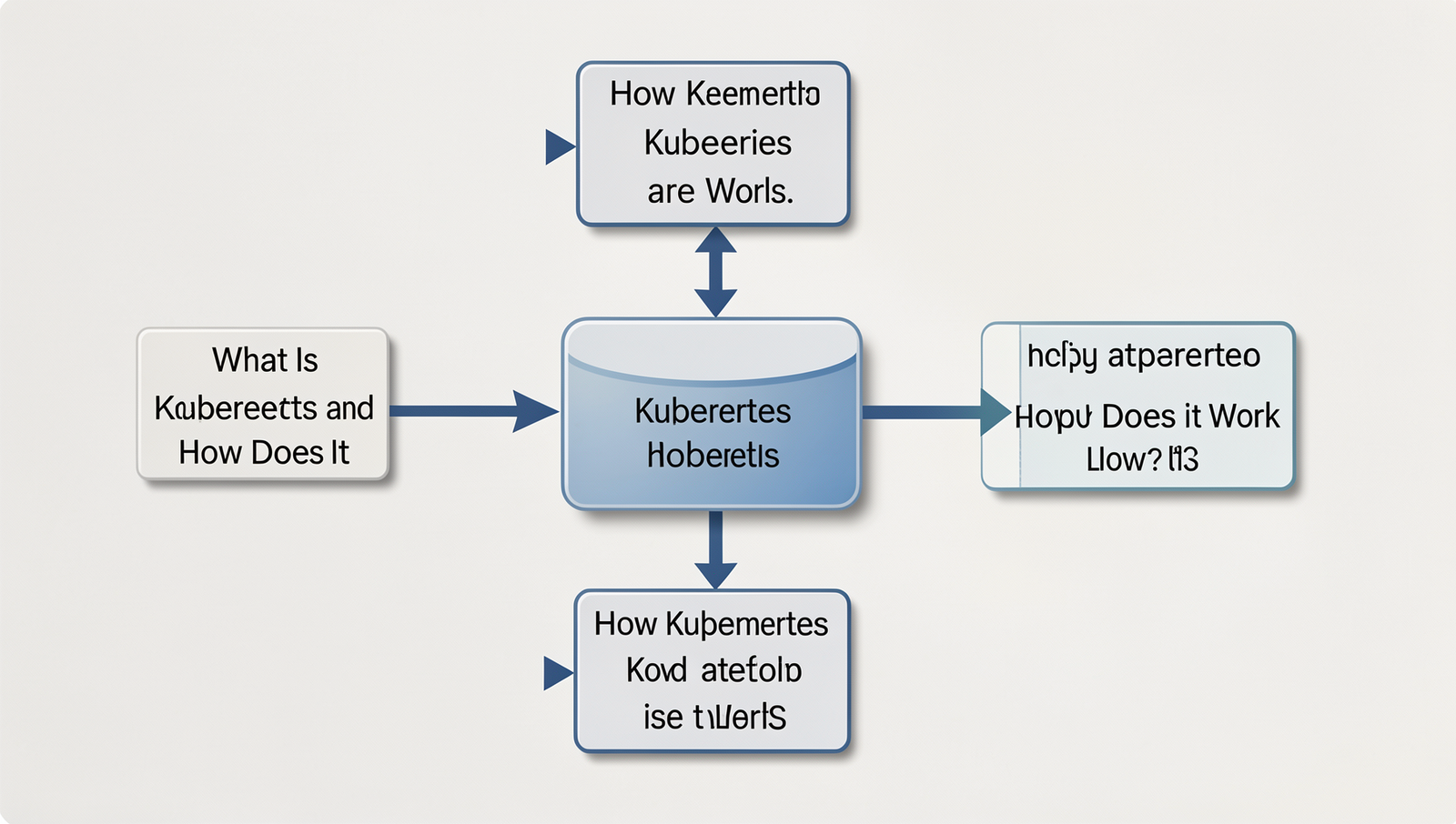
Kubernetes operates on a cluster architecture that consists of two main types of nodes: master nodes and worker nodes. The master node is responsible for managing the Kubernetes cluster, while the worker nodes run the applications and services. This separation allows for efficient resource management and scaling of applications. The master node contains several key components, including the Kubernetes API server, which acts as the central management entity for the cluster.
The Kubernetes API server is crucial as it exposes the Kubernetes API, allowing users and other components to interact with the cluster. It processes REST requests and updates the state of the cluster, ensuring that the desired configurations are maintained. For example, when a user wants to deploy a new application, they send a request to the API server, which then communicates with other components to fulfill that request.
The Scheduler is another important component that plays a vital role in how workloads are assigned to worker nodes. It evaluates the resource requirements of each workload and matches them with the available resources on the worker nodes. This dynamic allocation ensures that applications run efficiently and can scale as needed.
Finally, the Controller Manager is responsible for maintaining the desired state of the cluster. It continuously monitors the state of the cluster and makes adjustments as necessary. For instance, if a worker node fails, the Controller Manager will automatically reschedule the affected workloads to other healthy nodes, ensuring high availability.
- Master Node: Manages the cluster and contains the API server.
- Worker Nodes: Run applications and services.
- API Server: Central management interface for the cluster.
- Scheduler: Assigns workloads to nodes based on resource availability.
- Controller Manager: Maintains the desired state of the cluster.
Getting Started with Kubernetes
To effectively understand what is Kubernetes, it’s essential to start with setting up a local Kubernetes environment. One popular way to do this is by using Minikube, which creates a single-node Kubernetes cluster on your local machine. To install Minikube, you can follow these steps:
- Install a hypervisor like VirtualBox or Docker.
- Download and install Minikube from the official website.
Once you have Minikube installed, you can start your local cluster by running:
minikube startAfter your cluster is up and running, you can use kubectl, the command-line tool for managing Kubernetes clusters. Here are some basic kubectl commands to help you manage your cluster:
kubectl get nodes– Lists all nodes in your cluster.kubectl get pods– Displays all pods running in the current namespace.kubectl apply -f– Deploys applications defined in a YAML file..yaml
To deploy a simple application, you can create a YAML file named nginx-deployment.yaml with the following content:
apiVersion: apps/v1
kind: Deployment
metadata:
  name: nginx
spec:
  replicas: 2
  selector:
    matchLabels:
      app: nginx
  template:
    metadata:
      labels:
        app: nginx
    spec:
      containers:
      - name: nginx
        image: nginx:latest
Deploy it using:
kubectl apply -f nginx-deployment.yamlFinally, monitoring and troubleshooting your Kubernetes cluster is crucial. You can check the status of your pods with:
kubectl get podsIf you encounter issues, use:
kubectl logs This command helps you view logs for a specific pod, aiding in troubleshooting any problems that arise.
Conclusion
In summary, Kubernetes is a powerful open-source platform designed to automate the deployment, scaling, and management of containerized applications. By providing a robust framework for orchestrating containers, Kubernetes enables developers to efficiently manage complex applications across various environments. Its ability to handle load balancing, service discovery, and self-healing capabilities makes it an essential tool for modern DevOps practices. Understanding what is Kubernetes is crucial for organizations looking to enhance their application deployment processes and improve overall efficiency.
The benefits of adopting Kubernetes are numerous, including increased scalability, improved resource utilization, and simplified management of microservices architectures. As organizations continue to embrace cloud-native technologies, the next steps involve exploring Kubernetes’ extensive ecosystem, including tools for monitoring, logging, and CI/CD integration. By leveraging these resources, teams can maximize the potential of Kubernetes, ensuring their applications are resilient, scalable, and ready for future challenges in the ever-evolving tech landscape.
Frequently Asked Questions
What is Kubernetes?
Kubernetes is an open-source container orchestration platform designed to automate the deployment, scaling, and management of containerized applications. It helps developers manage complex applications by providing tools for container scheduling, load balancing, and resource allocation across clusters of machines.
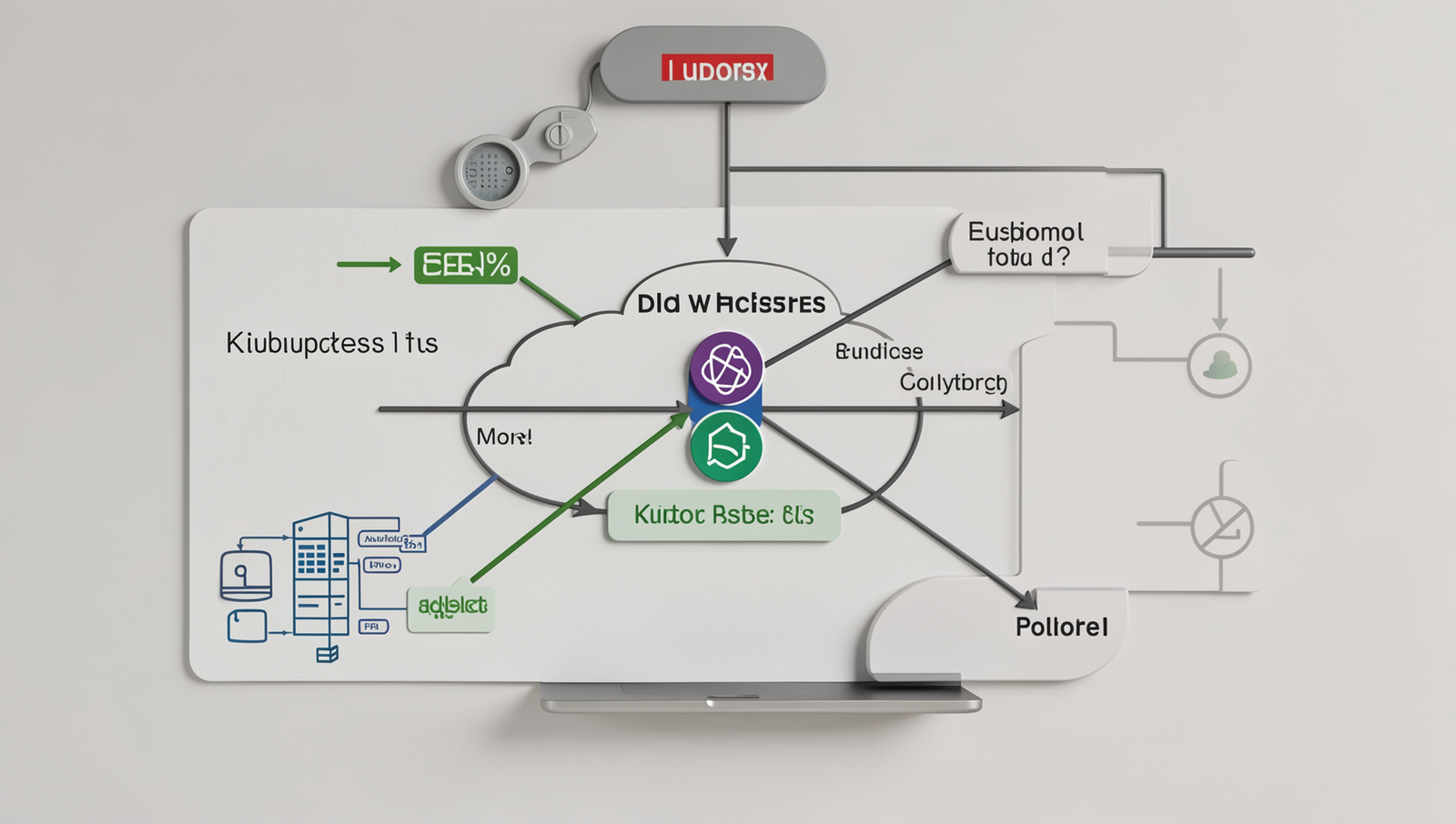
How does Kubernetes work?
Kubernetes operates by managing clusters of nodes, which can be physical or virtual machines. It uses a master-slave architecture where the master node controls the cluster, scheduling tasks and monitoring the state of the nodes, while worker nodes run the applications.
What are the main components of Kubernetes?
The main components of Kubernetes include the API server, etcd (a key-value store), controller manager, scheduler, and kubelet. These components work together to maintain the desired state of applications, ensuring they run efficiently and reliably across the cluster.
What are pods in Kubernetes?
Pods are the smallest deployable units in Kubernetes, representing a single instance of a running process in a cluster. Each pod can contain one or more containers, sharing storage and network resources, and enabling efficient communication between them within the same environment.